Email setup and LRD sending limits — check your provider
These are LRD limits, not provider quotas. Limits are per sending address, over any rolling 24 hours, and cover first emails and later campaign emails together. An email counts once it reaches your email provider, even if it then bounces.
You can connect Google Workspace, Hostinger and IONOS in LRD yourself today, and Google Workspace is the one we recommend.
Google WorkspaceStarts at 5/day · maximum 20/dayReady to connect — this is the one we recommend
Once setup checks pass, each address sends 5 a day for its first 14 days, then 10 a day for the next 7 days, then 20 a day from then on.
The recommended route. Business-domain mailbox, app password and 2-Step Verification, then the LRD sending checks.
Google's acceptable use policy bans unsolicited mass email. It does not ban automated or marketing email as a category, so following up people who contacted your business is inside its words. A paid user may send 2,000 messages a day, so LRD's limit is about one percent of your allowance and never crowds out your own mail. Use a dedicated mailbox on your business domain with a Google app password and 2-Step Verification.
Next step: Check your account offers App passwords before buying. If it does not, do not weaken security to connect. Use a dedicated mailbox, never your normal Google password. Then complete the LRD sender and reply checks.
Step-by-step setup guide
Google acceptable use policy
Gmail sender requirements
App passwords
Hostinger Email (native service)Starts at 5/day · maximum 20/dayReady to connect
Once setup checks pass, each address sends 5 a day for its first 14 days, then 10 a day for the next 7 days, then 20 a day from then on.
Hostinger permits solicited email from its own mailboxes. Connect it in LRD with a dedicated mailbox and its password; LRD proves replies reach the Desk before any campaign email goes out.
Hostinger says you are free to send any legal and solicited email from its own mailboxes, and asks for opt-in, an easy unsubscribe link and your domain records in place. This is Hostinger's own email service, not the Titan service some Hostinger plans include, which has different rules.
Next step: Make sure the plan is Hostinger's own email, not Titan. Create a dedicated mailbox, choose Hostinger Email in Sending setup, then complete the sending test and both reply checks.
Step-by-step setup guide
Is mass mailing supported
Terms of service
IONOS MailStarts at 5/day · maximum 20/dayReady to connect
Once setup checks pass, each address sends 5 a day for its first 14 days, then 10 a day for the next 7 days, then 20 a day from then on.
IONOS permits mail its recipients agreed to receive, with conditions on content. Connect it in LRD with a dedicated mailbox and its password; LRD proves replies reach the Desk before any campaign email goes out.
IONOS bars mail sent without the express or assumed agreement of the recipient, which a previous enquiry meets. Its email policy asks for explicit consent, an easy opt-out, and your postal address and phone number inside the message. IONOS limits how many emails a new contract can send each hour, starting at 50 an hour in the first week (from its mass-mailing limits page, which is now offline; read from the archived copy), so LRD's 20 a day stays far inside it.
Next step: Create a dedicated mailbox in your IONOS account, choose the IONOS option for your account's country in Sending setup, then complete the sending test and both reply checks.
Step-by-step setup guide
Acceptable use policy
Email policy
Mass-mailing limits (archived copy)
Using a different email provider? It is not supported yet. Ask us before you buy a mailbox and we will check it for you. Personal addresses such as Gmail or Outlook.com cannot send campaigns.
How limits and setup checks work
Each sending address sends 5 a day for its first 14 days, then 10 a day for the next 7 days, then 20 a day from then on. It only moves up if it has actually been sending, so the soonest it can reach 20 a day is 21 days, and an email to an address that does not exist, a spam complaint or a block by an email provider pauses it straight away. You get 2 addresses with every package (up to 40 a day once both reach 20). Add up to 3 more at £97 each every 4 weeks (the same rate, with no discount, on the 6- and 12-month packages), for a maximum of 100 a day across 5 addresses. An address that is not set up yet adds nothing.
- A dedicated mailbox on your business domain, with provider terms that permit your planned recovery emails.
- A working secure sending connection and verified domain settings.
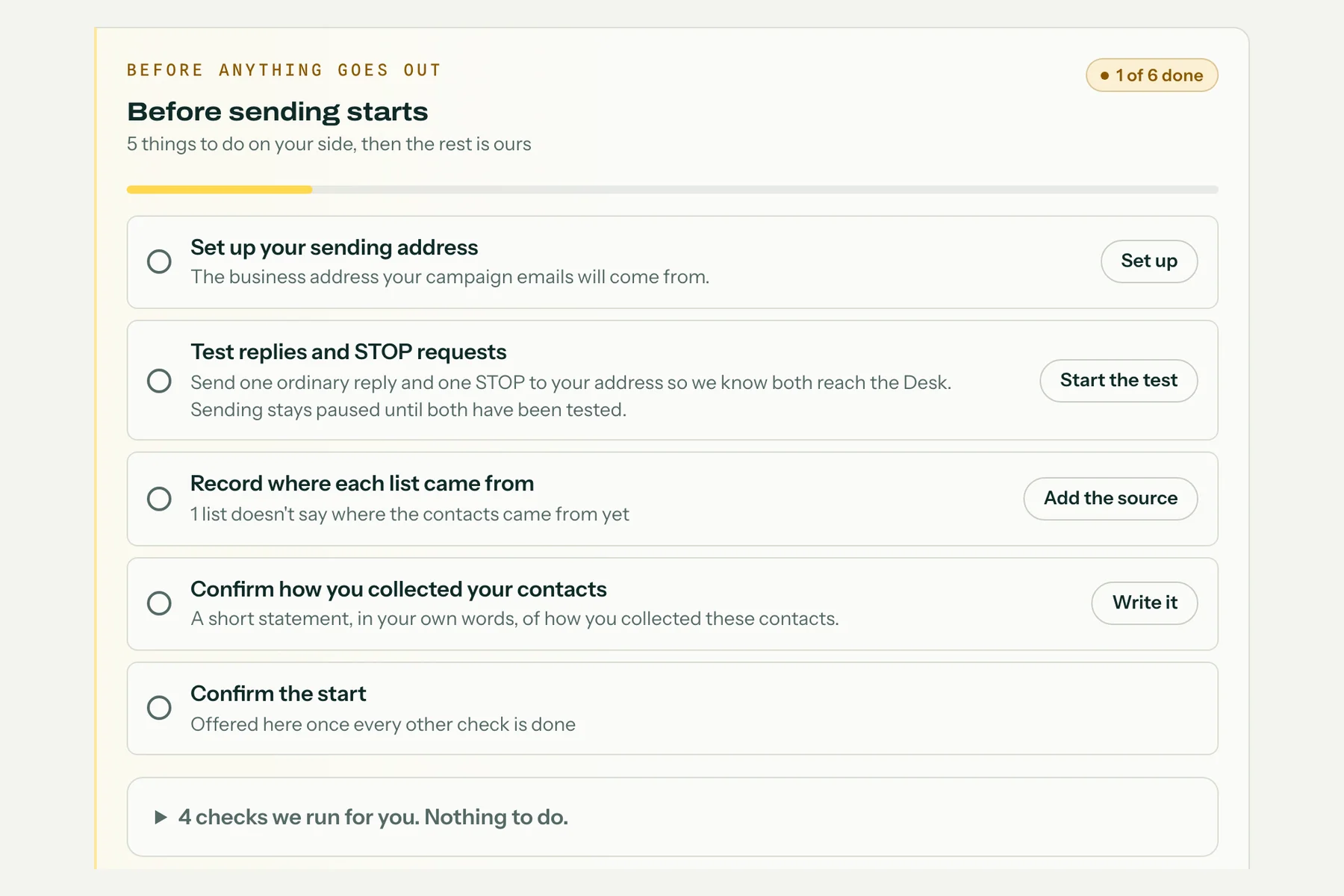
- A tested route for handling replies and opt-outs, so campaign emails can be held when needed.
- Eligible contacts, your reviewed messages, an active automated email campaign subscription and sending activation. Connecting a mailbox alone does not start automation.
These labels describe whether a provider's own rules permit this sending and whether LRD can connect to it, not whether any particular list or message is approved. Daily figures are LRD limits, not provider quotas, and not a promise about where mail lands.
No option approves every list. Recipient permission and all sending checks still apply. Never use your everyday inbox password. Full provider rules are in Help and beside Sending setup.
Published rules reviewed 2026-09-18. Provider rules and account settings can change; compatibility must be checked before activation.
 Lead Recovery Desk