 Lead Recovery Desk
CRM, booking, invoicing or trade system
Export the customer list from your business system.
Start with Contacts or Customers. You need a table of people to review, not a folder of invoices, job notes or attachments.
Before you begin
Check your account has export permission. Your provider and plan determine which fields you can export; LRD does not connect directly to these systems to fetch a list.
Work on a copy. Keep the original export safe. Remove unwanted rows and sensitive columns from the copy you will upload.
A CSV with contact details, useful dates and recorded restrictions. Keep the original export as your reference.
A CSV is a simple table saved as a file. It is not an email campaign.
Prepare your file
Use the instructions for your app. Menu names can differ by version and account permissions.
Find Contacts or Customers
Open the people or customer section. Select records belonging to this business. A report of invoices or jobs may repeat the same person several times, so prefer a contact export where available.
Choose a relevant view
Use a customer or past-enquiry view if your system has one. Keep the unsubscribe and do-not-contact records that apply. Do not assume a sales stage such as Won means permission to send email.
Export the table as CSV
Look for Export in the list’s menu or your provider’s help. In HubSpot, open CRM → Contacts, choose the view, then Export and select CSV. Export permission is required.
Other booking, trade and invoicing products use different menus. If no export is available, ask the provider for a contact CSV; do not grant LRD your account password.
Keep only useful columns
Retain email, name, the actual last-contact date if available, source and contact restrictions. Avoid using last edited or invoice created as last_contacted unless it really records contact with that person.
Check for repeated people and conflicting statuses
Review duplicates against your source. If one record says unsubscribed and another does not, keep the restriction and resolve the conflict before follow ups. Do not discard restrictions while simplifying the file.
Save the upload copy and preview
If your system exports an Excel workbook, use the spreadsheet guide to save a CSV. Check the detected fields in LRD. An exportable file is not proof that the contacts may be emailed.
What your file should look like
Original LRD example with invented contacts. This illustrates the file you are preparing, not your provider’s screen.
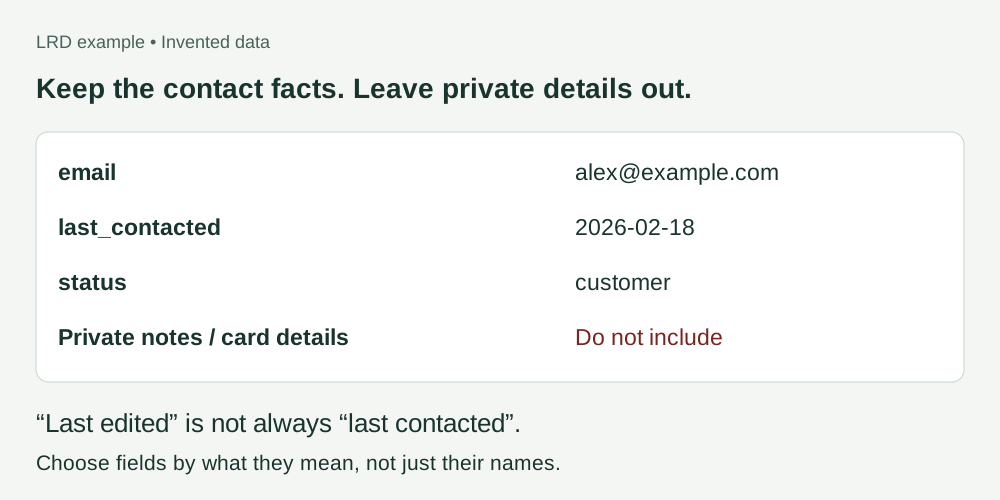
Keep it useful. Keep it private.
Keep the information needed for review and any known contact restrictions. Do not invent missing dates or permission.
Keep in your working copy
- email: the contact’s email address
- name: the person or business name, if useful
- last_contacted: a real last-contact date, if known
- status: preserve known unsubscribes, bounces and do-not-contact records
- source: where the record came from
Leave out of the upload
- Staff, suppliers and personal contacts
- Sensitive notes, health information and information about children
- Passwords, payment details and unnecessary addresses
- Attachments, call transcripts and full invoices
Next: preview it in LRD
Check the detected columns, dates and restrictions before confirming anything. Use last_contacted for the last contact date and status for a contact’s recorded status.
CSV, TSV or plain text. Excel workbooks and ZIP files cannot be uploaded directly. Free previews share a 100-row allowance each calendar month across all lists.
Warm, Lukewarm and Cold group contacts by recency. They do not prove permission to contact someone. A file preview sends nothing.
Preview my list free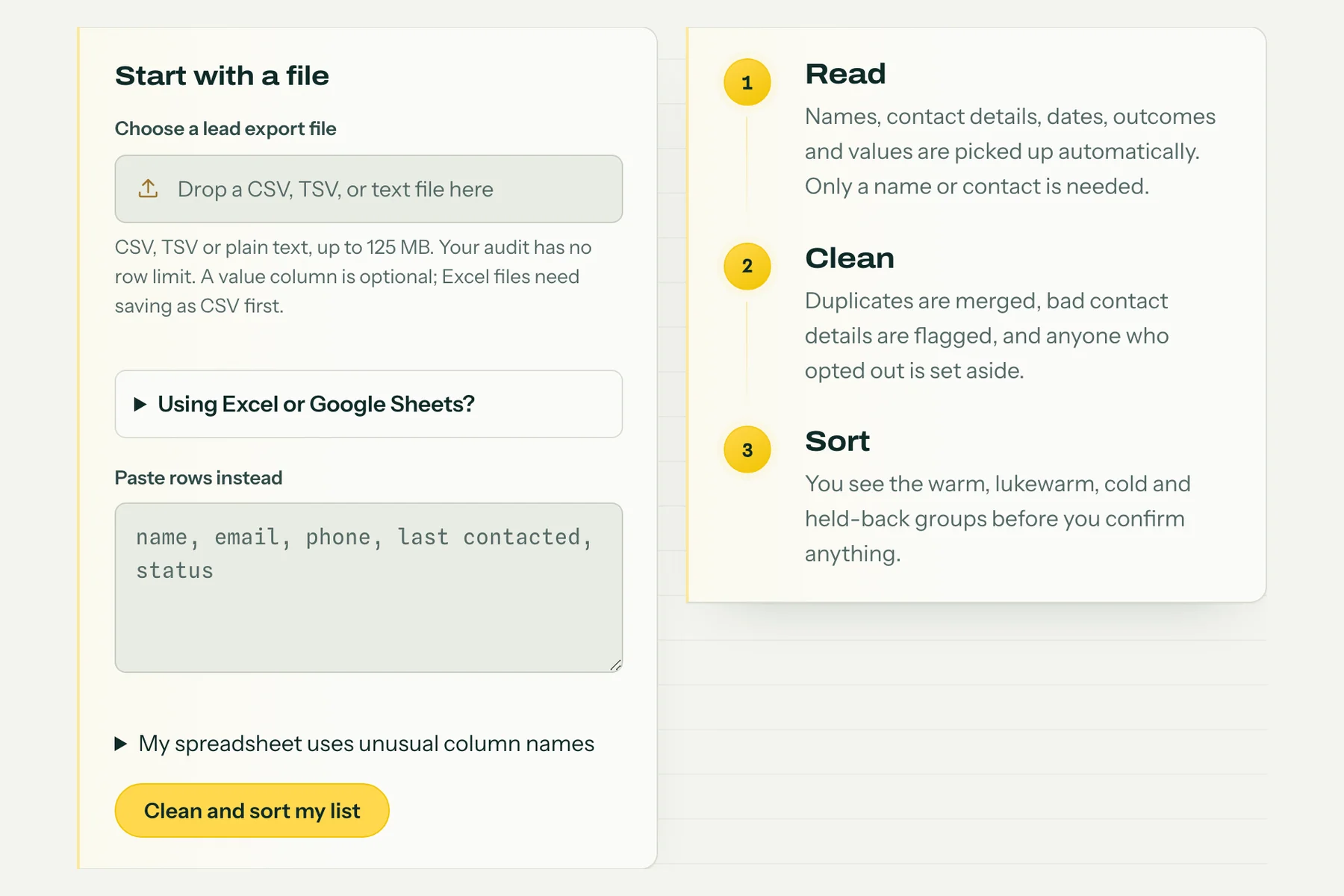
Upload your full export. Confirming a list decides what the Desk works with; it sends nothing.
If something looks wrong
I cannot see Export
Check your account role and your provider’s help. An administrator may need to export the file for you. Ask for the minimum contact fields and existing restrictions, not a full account backup.
My file is Excel, PDF or a ZIP
For Excel, save or download a CSV copy. Extract a ZIP and inspect the files inside. A PDF or a picture is not a contact table; ask your source system for a CSV export. Renaming a file to .csv does not convert it.
Dates or columns look wrong in the preview
Stop before confirming. Check the column headings and use YYYY-MM-DD for dates, such as 2026-02-18. Do not use the export date as a last-contact date. If the source has no reliable date, leave it blank and review the result.
I do not know whether someone can be contacted
Keep the original restriction records. Do not turn an unknown or unsubscribed status into subscribed. The file preview does not establish permission. Ask for help before using those contacts for follow ups.
Still stuck? Ask for help with the app name and column headings. Do not send customer rows or passwords.
Official instructions
Checked 7 September 2026. These links include the provider’s own instructions and screenshots where available.